
Mac / Windows / Pocket PC

Fly a space fighter through minefields and orbital defenses. Collect Tari from enemy wreckage to repair your ship and arm it for the next mission.

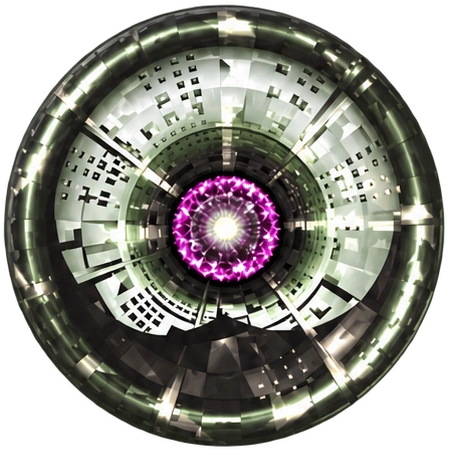
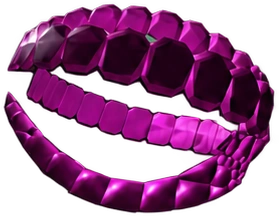
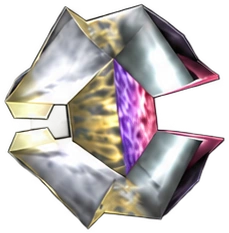
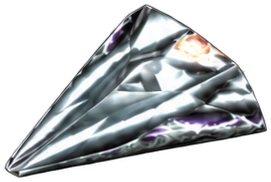
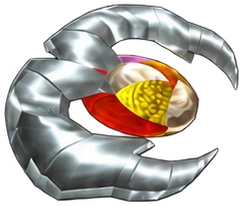
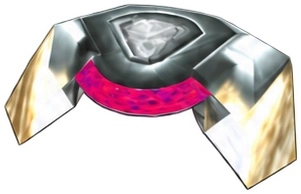
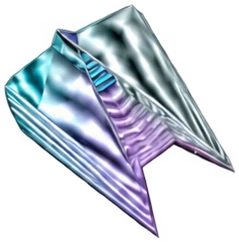
- Playable ships
- 6
- Realms
- 6
- Missions
- 30
Realms in action
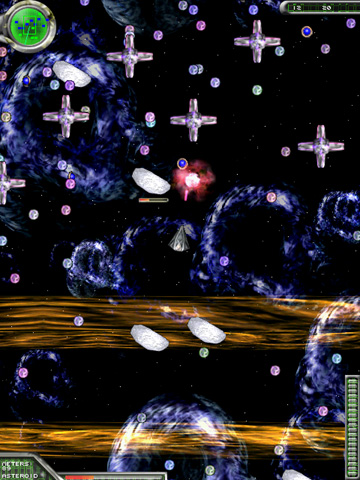
Watch a pilot steer through an asteroid field as enemy fire closes in. The radar keeps the wider battle in view.
Between missions, spend the Tari you collect on weapons, armor, thrusters, or power. Your choice of ship changes how much each component can be upgraded.
Follow the flight tutorialScreenshots
 Fleet formation
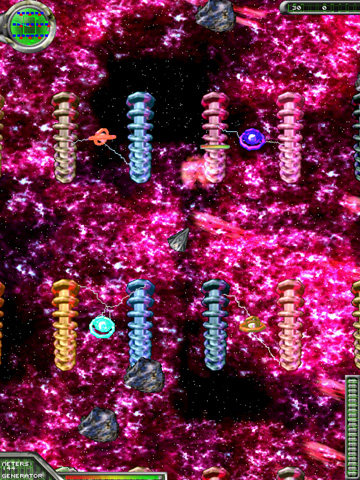 Red nebula
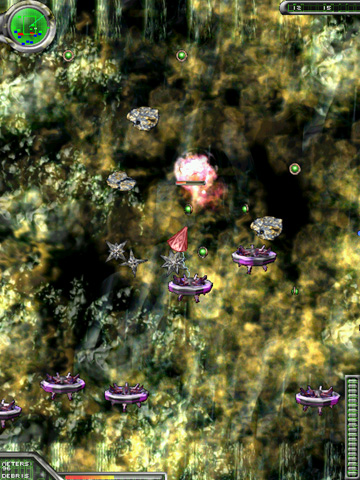 Asteroid field
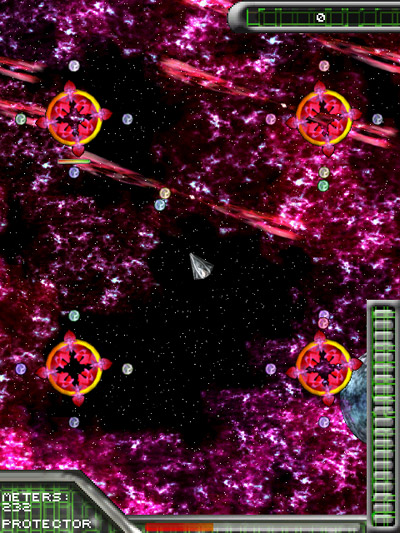 Minefield
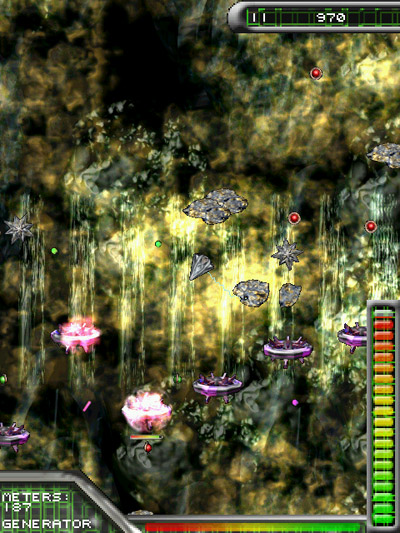 Golden nebula
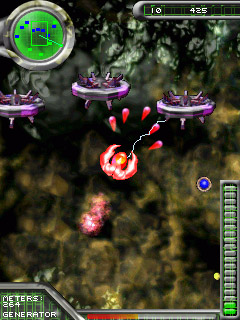 Space battle in an asteroid field
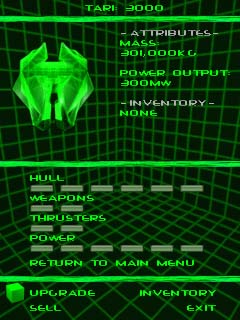 Ship upgrades
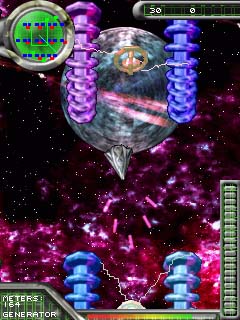 Enemy ship in a purple nebula
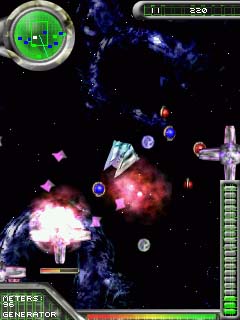 Laser fire in open space
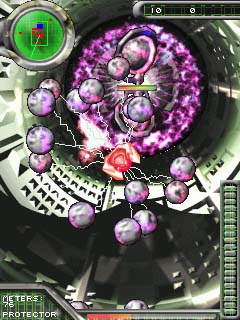 Battle at a circular installation
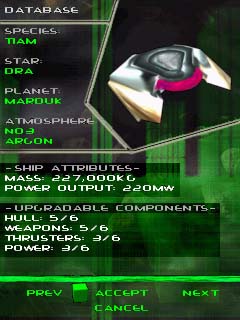 Guardian database entry
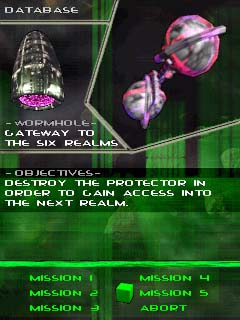 Satellite database entry
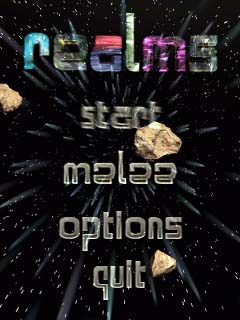 Realms title screen
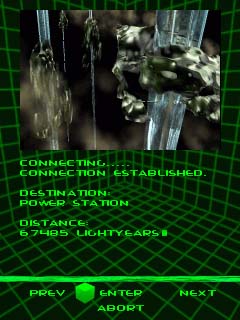 Tiam ship selection
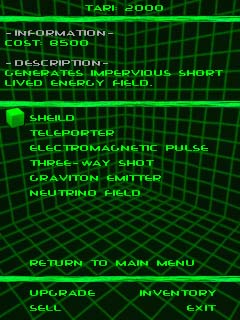
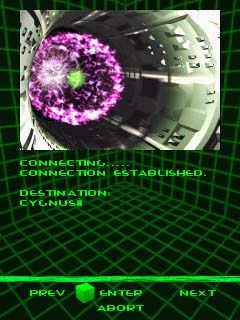 A shielded ship
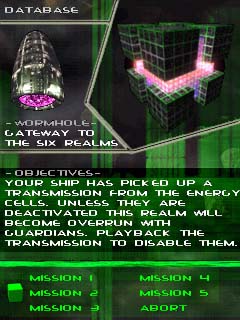
 Mission objectives
 Power generator database entry
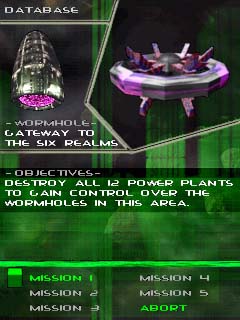 Orbital generator database entry
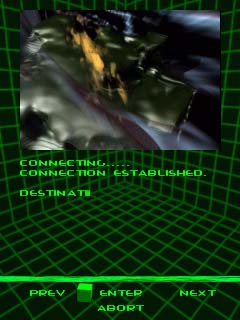 Ship selection
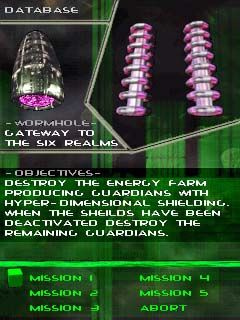 Energy spire database entry
Flight tutorial
-
1. The startup screen
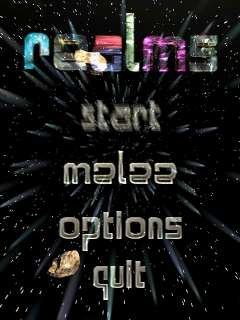
This is the startup screen.
Start
Here you can play a single player mission style game.Melee
Skirmish against multiple computer opponents.Options
Customize and configure controls.Tap start or hit the select button to continue to the entry screen.
-
2. Start a new game
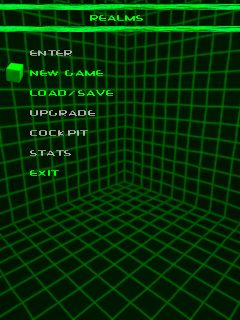
This is the entry screen. The rotating cube shows you which menu item is selected.
Tap New Game or hit the select button to start a new game.
-
3. Choose a species
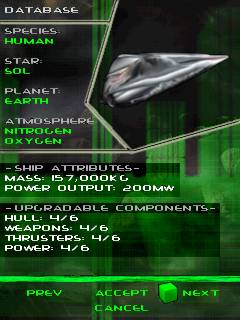
This is the ship selection screen. Here you can choose to play as six different species and view the ship attributes of each species.
Mass: The more mass a ship has the harder it is to maneuver, but it will be more heavily armored.
Power: Inventory items use power, so the more power a ship can generate the longer you can use your inventory items such as shields.
Upgradable components tell you how much each component of the ship can be upgraded.
Select Next twice to choose the Tiam.
-
4. Select the Tiam
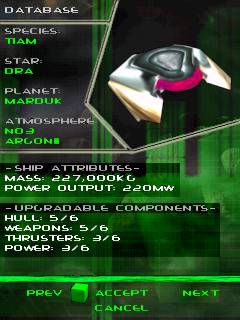
Tap Accept from the main menu. This will select the Tiam.
-
5. Name your pilot
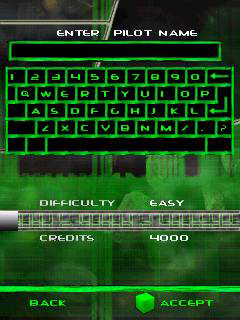
Use the keyboard to enter your name.
You can select the difficulty using the slide bar in the middle of the screen. Tap and hold the gray slider and move it to the left to select Easy.
Select Accept to start your new game.
-
6. Upgrade your ship
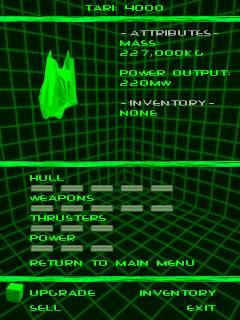
Here you can upgrade your ship's components.
Tap Upgrade from the menu.
-
7. Choose weapons
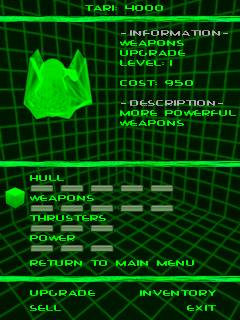
Select weapons from the menu to upgrade your weapons.
-
8. Buy the upgrade
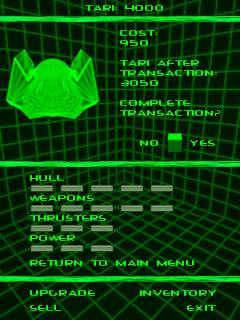
Tap Yes to upgrade your weapons. Upgrading your weapons makes it easier to destroy enemies.
-
9. Upgrade your hull
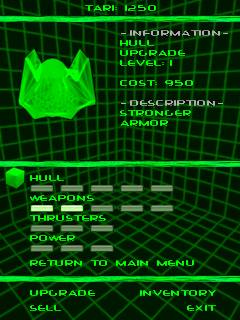
Repeat steps 7 and 8 to upgrade your weapons to level 2.
Afterwards, tap hull to upgrade your armor.
-
10. Confirm the hull upgrade
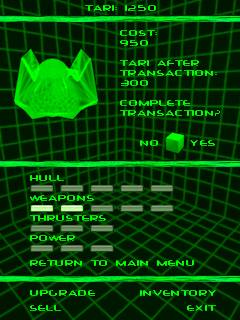
Select Yes to complete the transaction. Upgrading your hull gives you better protection against enemies.
-
11. Return to the menu
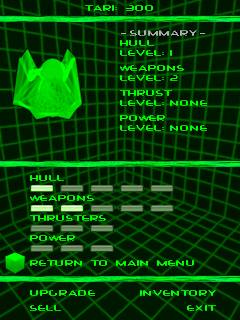
Tap return to main menu to return to the upgrade menu.
-
12. Leave the upgrade screen
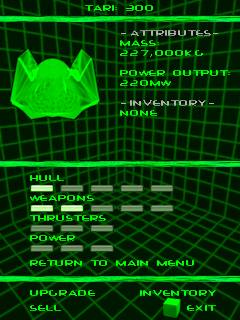
Tap Exit.
-
13. Enter the first realm
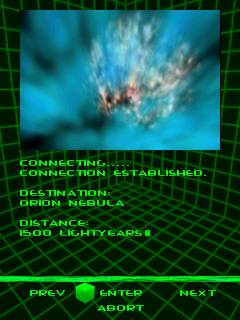
This is the Realm Selection Screen.
Select Enter to enter the first realm.
-
14. Select Mission 1
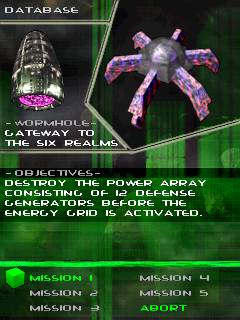
This is the mission selection screen. Your objectives are displayed in the middle of the screen.
Read them carefully!
You need to complete all objectives in order to complete the mission. An image of the mission objective will appear in the upper right part of the screen. In the game, your mission objectives will be displayed as blue targets on your radar.Select Mission 1 to enter the first mission of the first realm.
-
15. Collect Tari
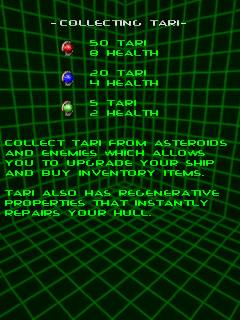
This is important!
Every time you destroy an enemy, Tari will be released. This Tari allows you to upgrade your ship, but it also has regenerative powers that heal your ship.
-
16. Practice in Melee
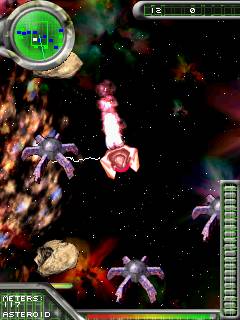
That's it!
If you have difficulty beating the first mission try selecting a different species or upgrading different components.
You can also practice your skills in melee mode.
You can read more about Realms by accessing Help from Options in the startup screen.
Reviews from players and the press
“…it’s one of the most polished Pocket PC games to date…The in-game graphics are terrific--the ships look great, the animation is smooth and fast.”
Allen Gall
“This is one of the best games that I have ever played for the pocket pc. It has great graphics, controlls, single and multiplayer modes and is a lot of fun. This game is a must have for ppc gamers, and for the price, it's unbeatable!”
Reviewer from Handango
“This game sets the standard that all pocket pc games must compete with! The graphics, sound effects, music, and gameplay are way beyond that of virtually any game on the market! It is a take-off of the classic asteriods, but with dramatic improvements! Now, you can increase attributes like hull, weapons, thrusters, and power to fit your needs on each level. The different levels or "Realms" each present its own challenge. You will run out of power on your pocket pc before you will quit this game!!”
Paul Bushey
Named one of the Top 5 Pocket PC Games (June 2003, issue 167).
Electronic Gaming Monthly
“Realms is graphically gorgeous and fast-paced.”
pocketnow.com
“…one of the top space shooters on the market to date, and for the foreseeable future…Realms rises above the rest of the crowd…”
PocketGamer
“The game maintains enough action to even satisfy gamers with attention deficit disorder (ADD), and provides enough confrontations to challenge veteran shooters. The atmosphere and imagery in this game are outstanding and the sound effects and background music will keep your blood pumping.”
PDArcade
“Realms sets the standard for the way a pocket pc game should be, fast, fun and flawless.”
MobileMinds
“Perfect Graphics and Animation.” Germany, November 2003
Pocket PC Magazin
“…Realms offers breathless action…” Germany, November 2003
Notebook Organizer & Handy